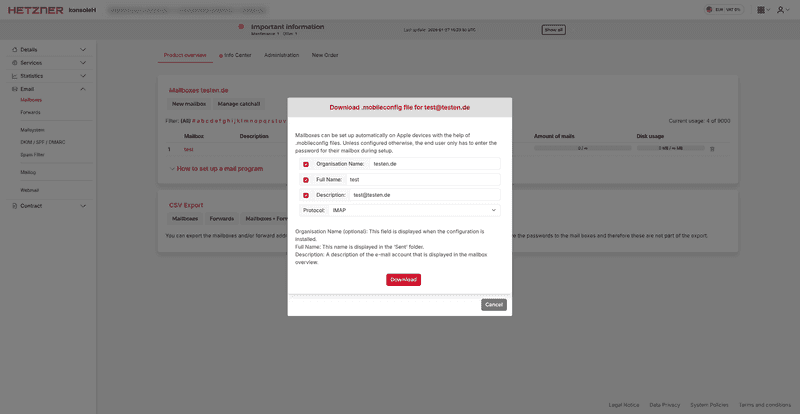
Download the setup file for setting up the mailbox on Apple devices from konsoleH by going to Mailboxes → Setup file.
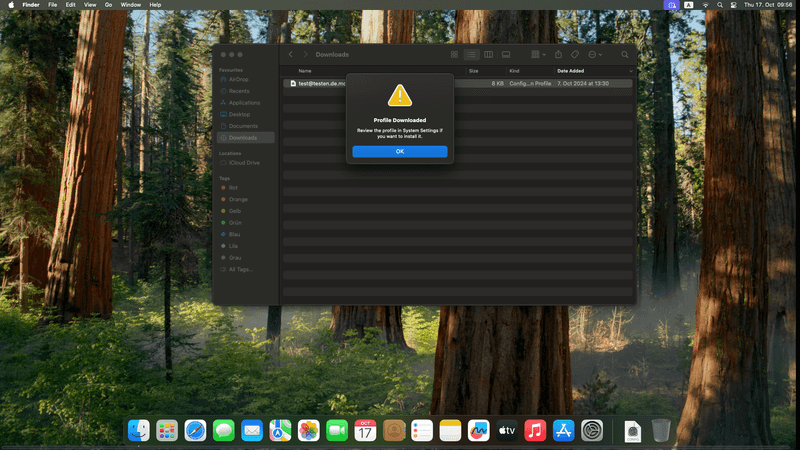
Execute the file by double-clicking on it. A message will appear stating that the profile has been loaded.
Navigate to General → Device management in the settings. The mail account should now appear there.
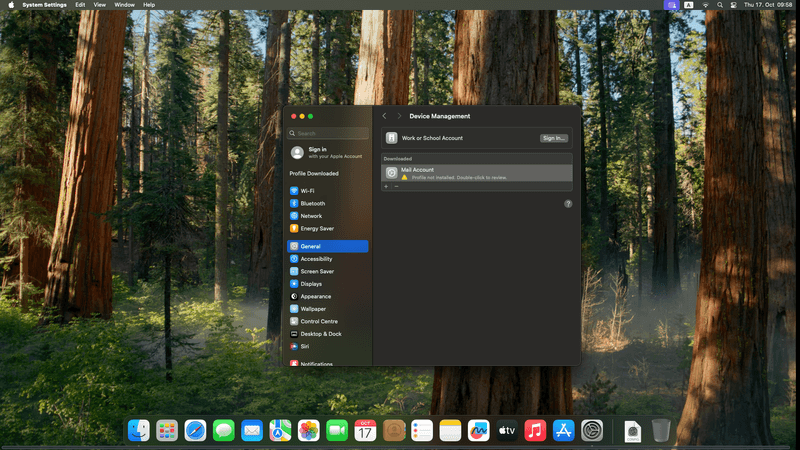
Click on the profile to install it. Now you only need to enter the password for the mailbox.
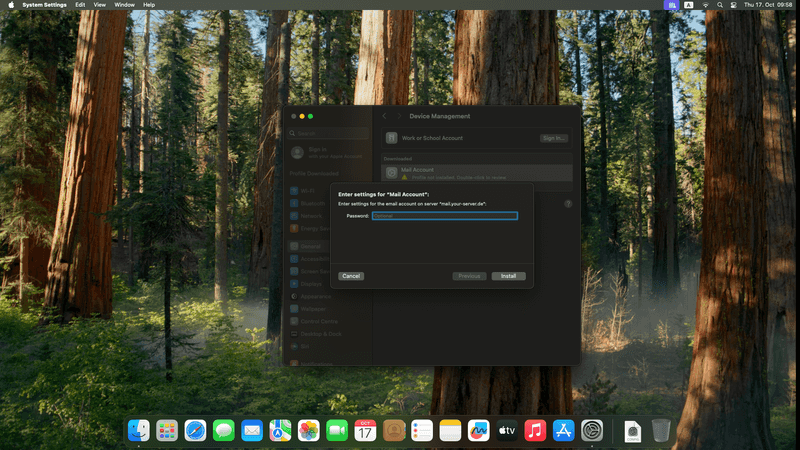
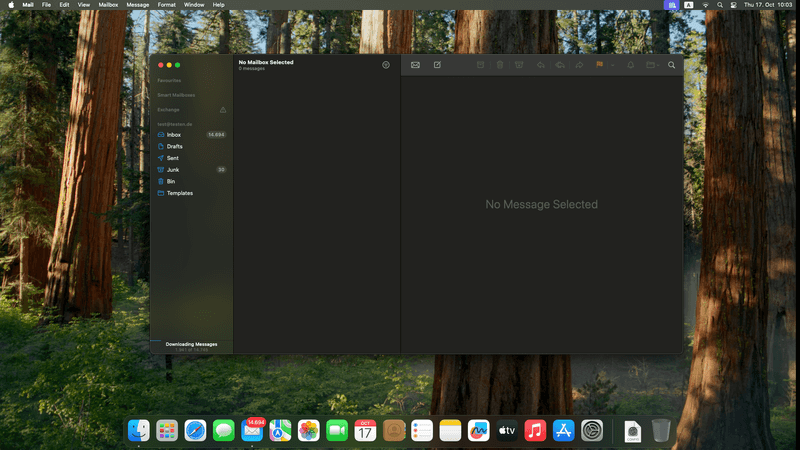
After you successfully install it, the account will appear in your Mail app.