Set up e-mail account in iOS and iPadOS
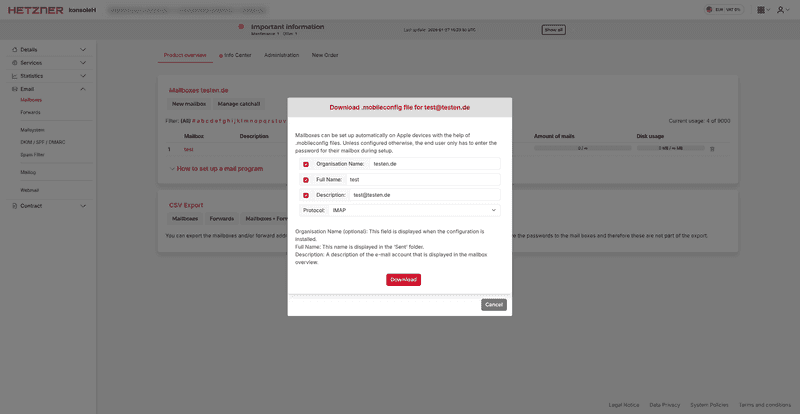
Download the setup file for setting up the mailbox on Apple devices from konsoleH by going to 'Mailboxes → Setup file'.
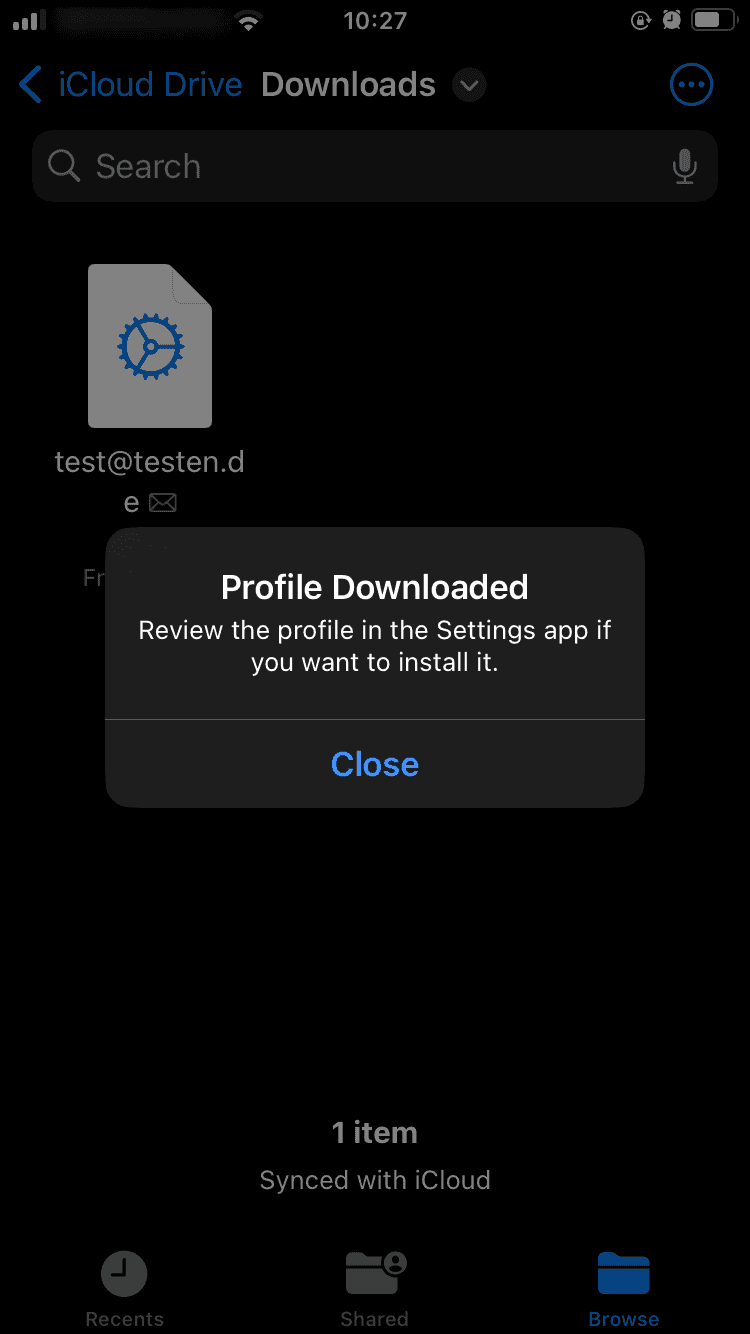
 Click on the file. A message will appear stating that the profile has been loaded.
 In the settings, go to 'General → VPN and device management'. The mail account should now appear there.
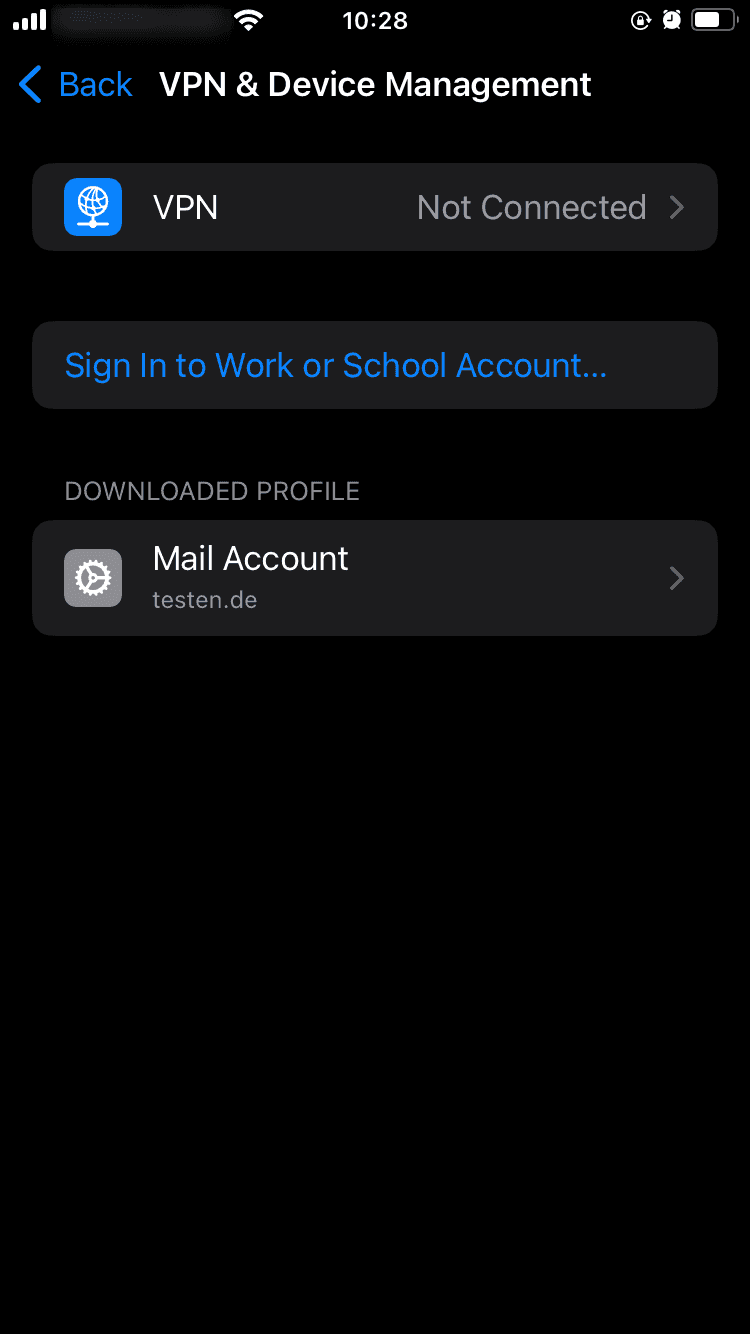 Click on the profile to install it. Now you only need to enter the password for the mailbox.
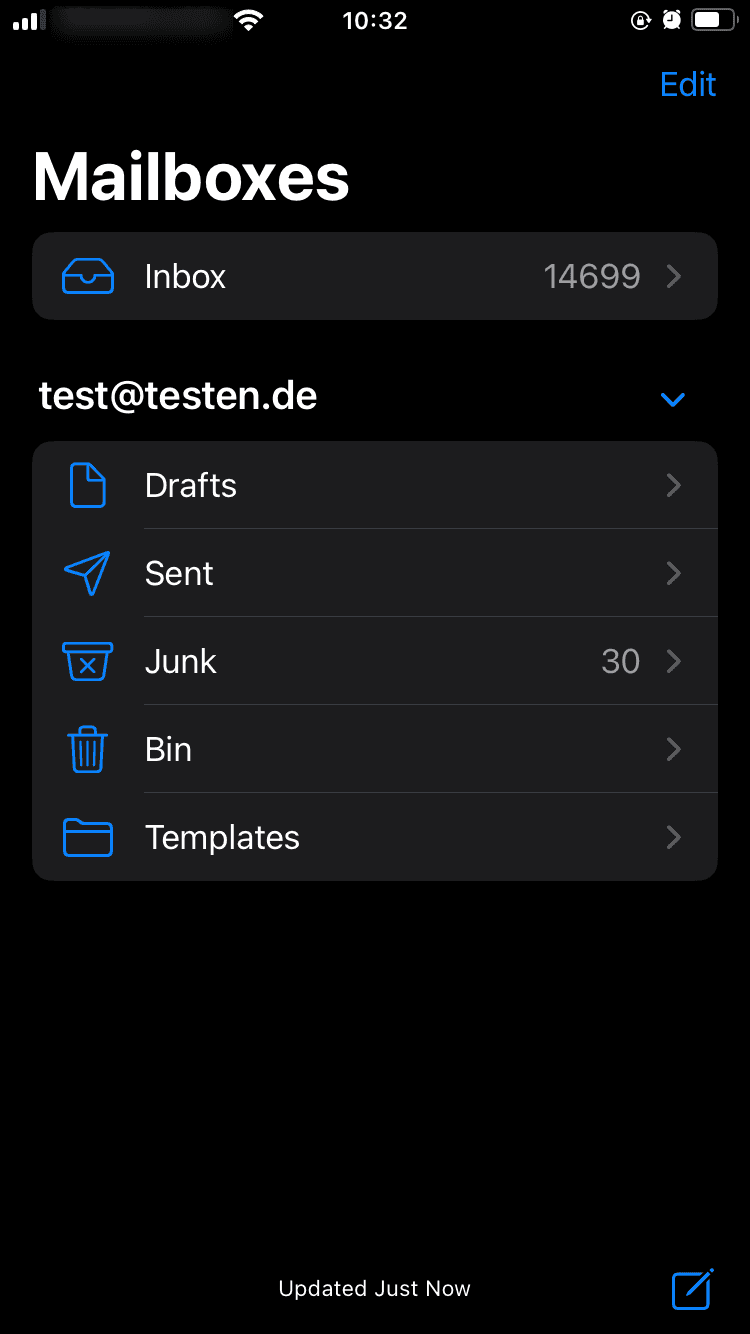
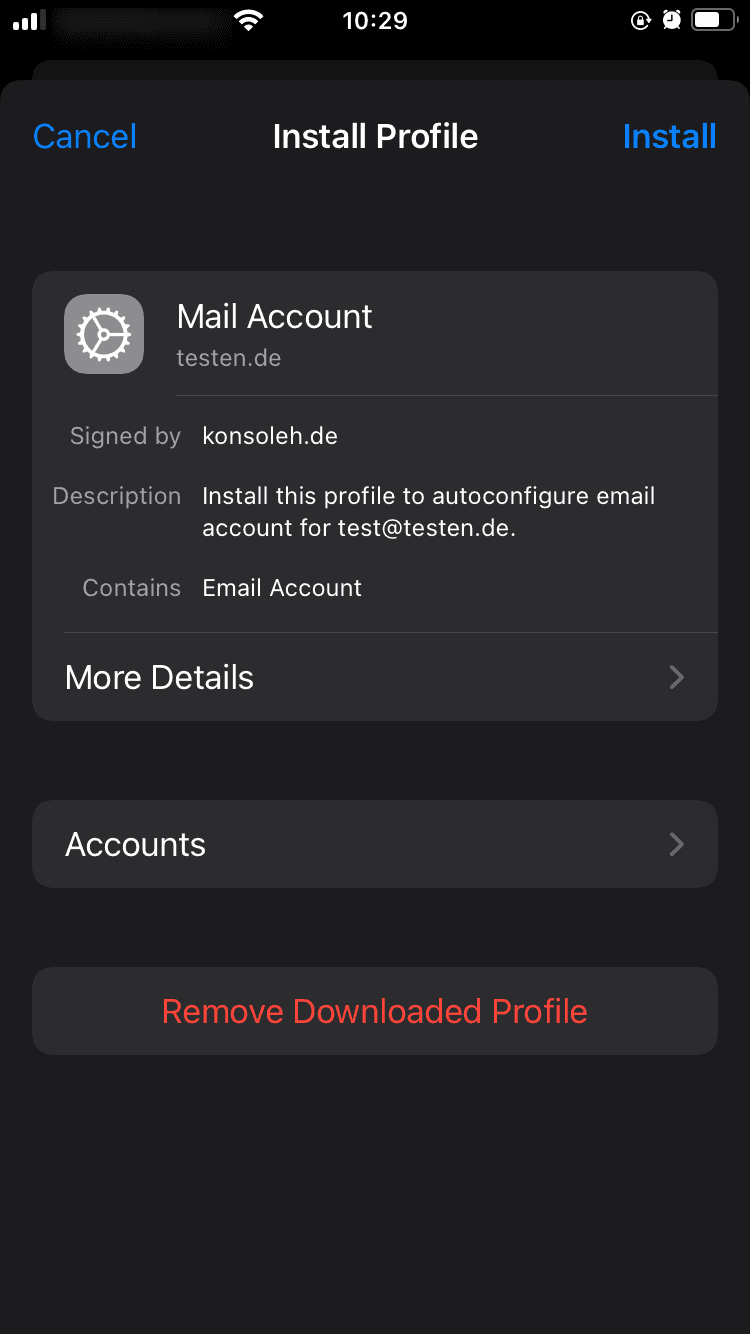 After you successfully install it, the account will appear in your Mail app.