-
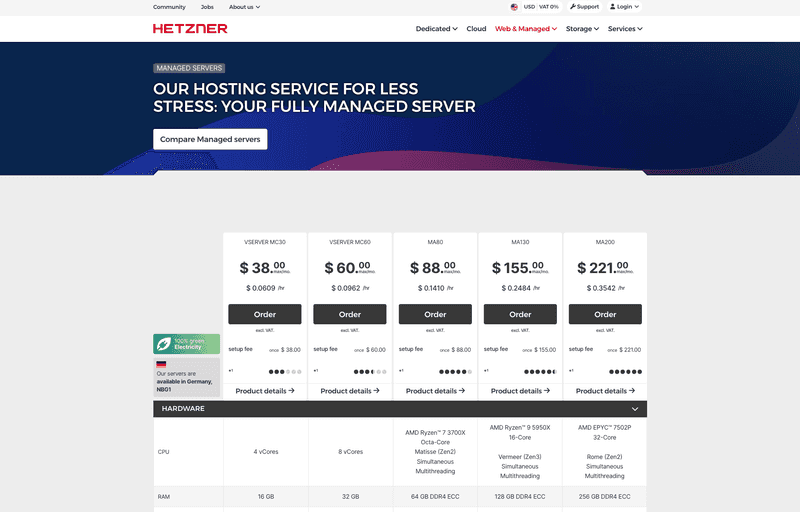
Click the yellow "Order" button under the correct managed server model.
-
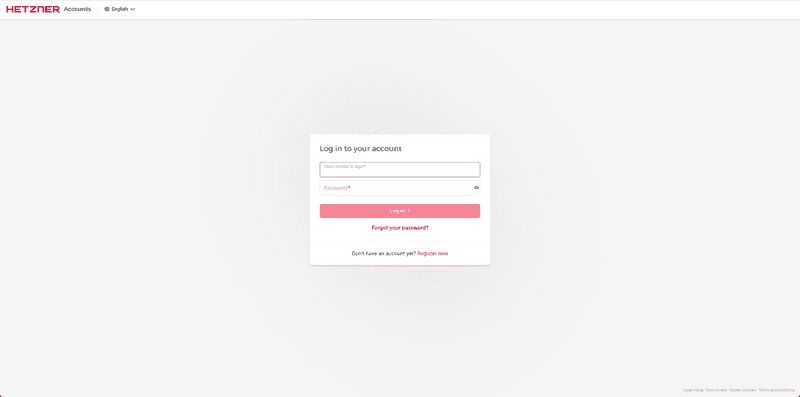
After that, you are forwarded to the Accounts Panel: https://accounts.hetzner.com
- If you already have an account and are not logged in, please log in now with your access data.
- If you do not have an account with us, please click the "Register Now" button on the login page.
-
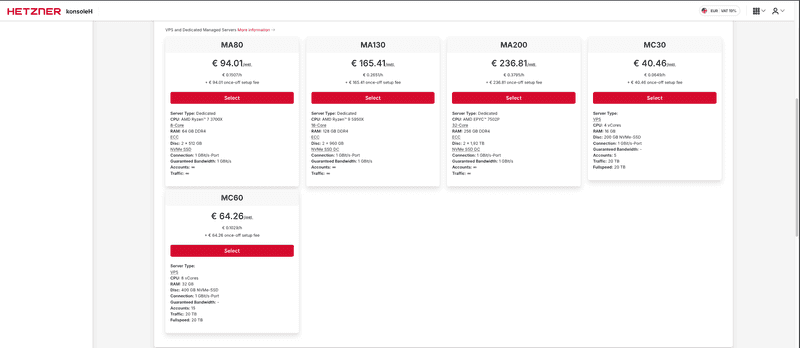
Once you are logged into your account, choose "New Order" and select the correct product by clicking on the red "Order" button.
-
You can then check the payment summary. To accept the general business terms and conditions / cancellation policy, tick the box and complete the process by clicking on
Order in obligation.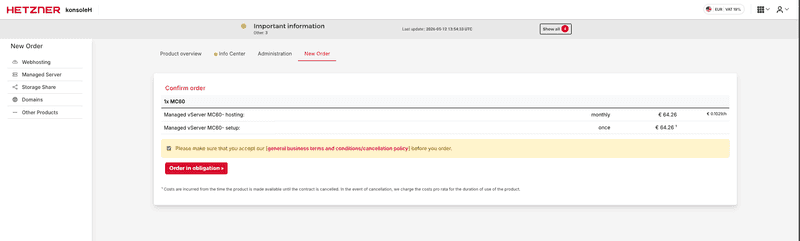
Next steps: